It started with us.
When we travel, I'm usually the one taking the photos, and I'm usually the one getting told off. Right there on the spot: “let me see… delete it.” Retake, retake, retake. On a bad day her mood drops a little with every shot. It's funny afterwards. In the moment, it really isn't.
Then I started noticing it everywhere, in couples and in friends travelling together. The one holding the phone is nervous, and the one in the picture doesn't get the shot they had in mind. Nobody is doing anything wrong, and the trip still goes a little cloudy. So I wanted the person in the photo to see the camera and direct it themselves.
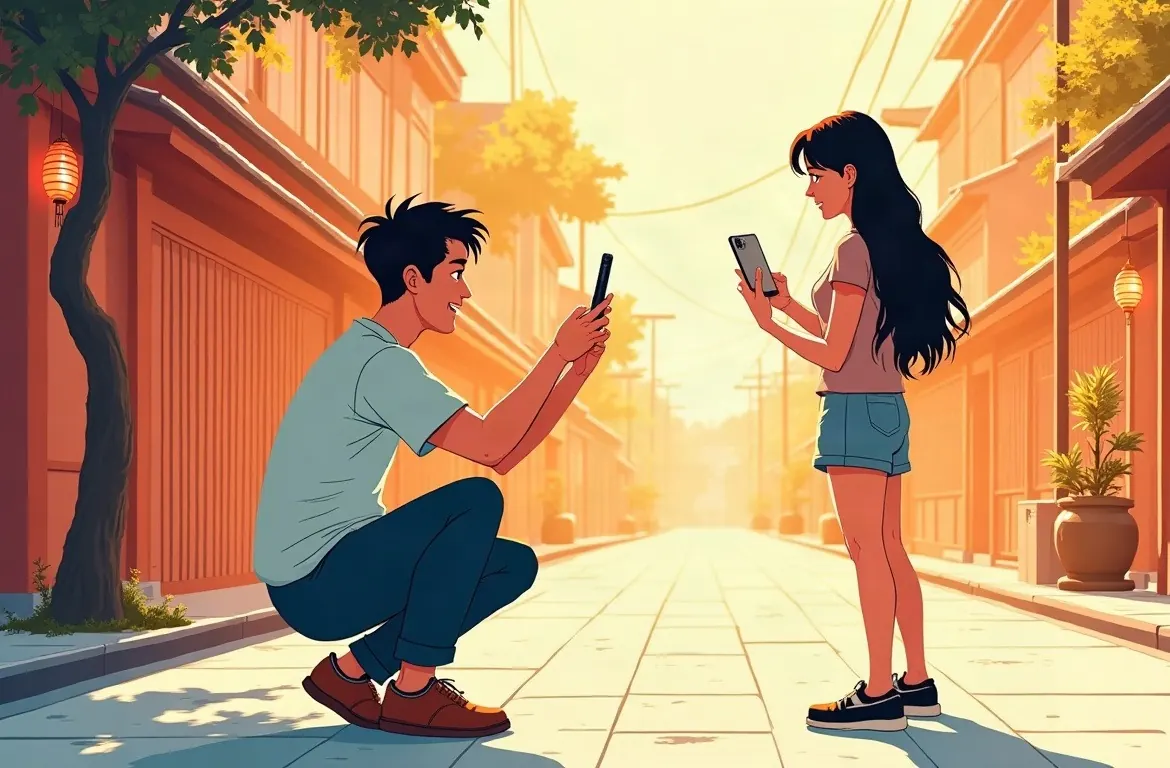
The person in the photo sees the camera
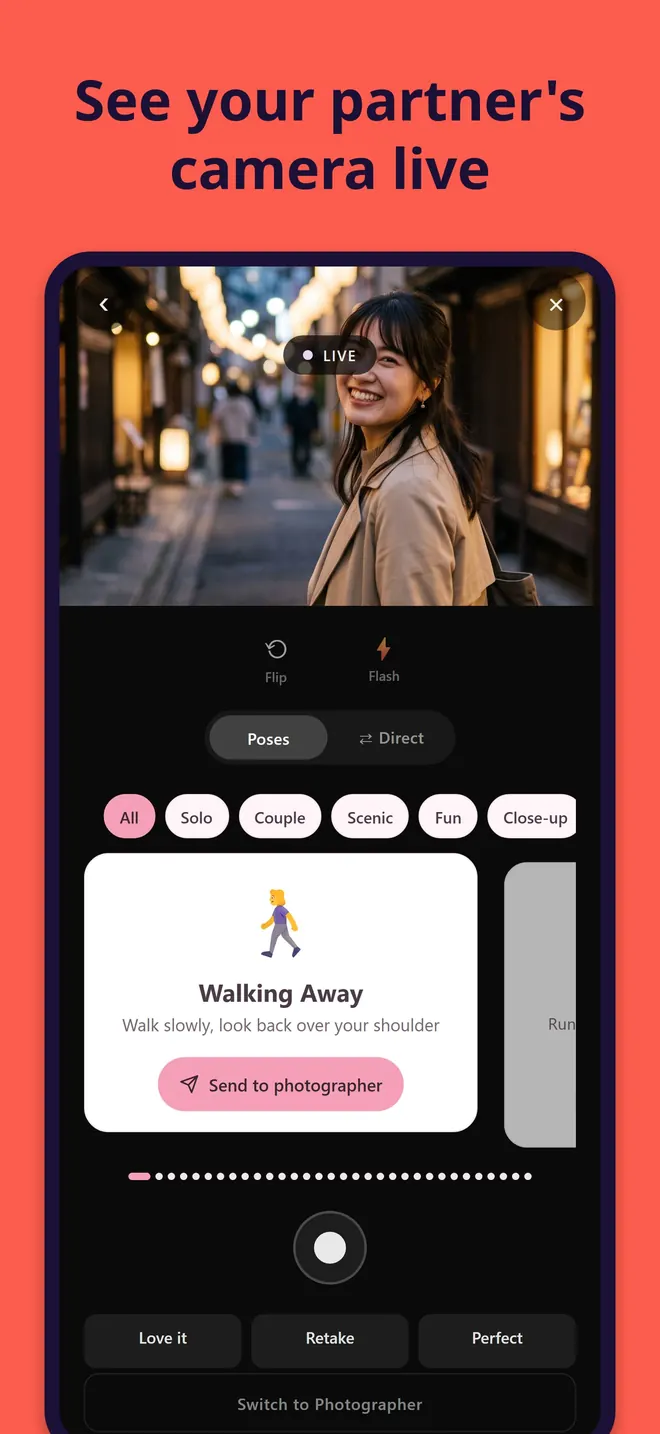
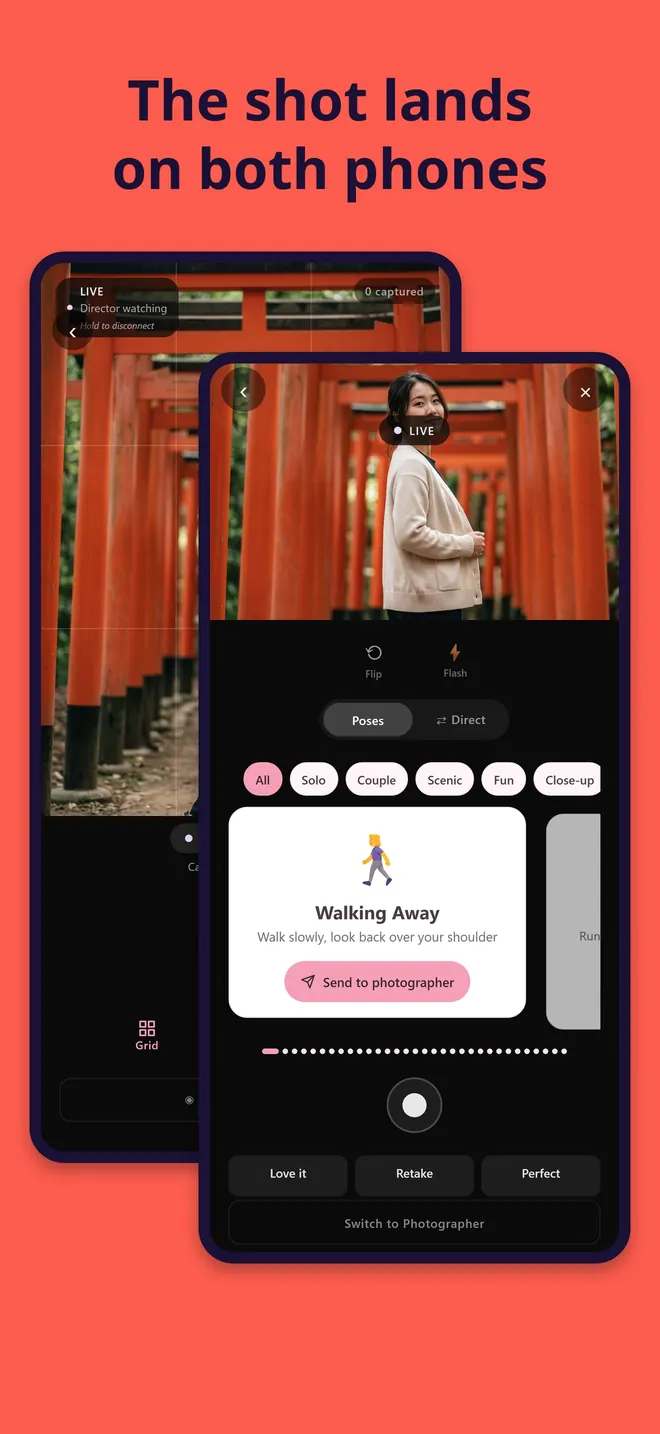
help her take photo links two phones. One of you holds the camera. The other phone shows that camera’s view, live. So the person being photographed can see how they look before anything is taken.
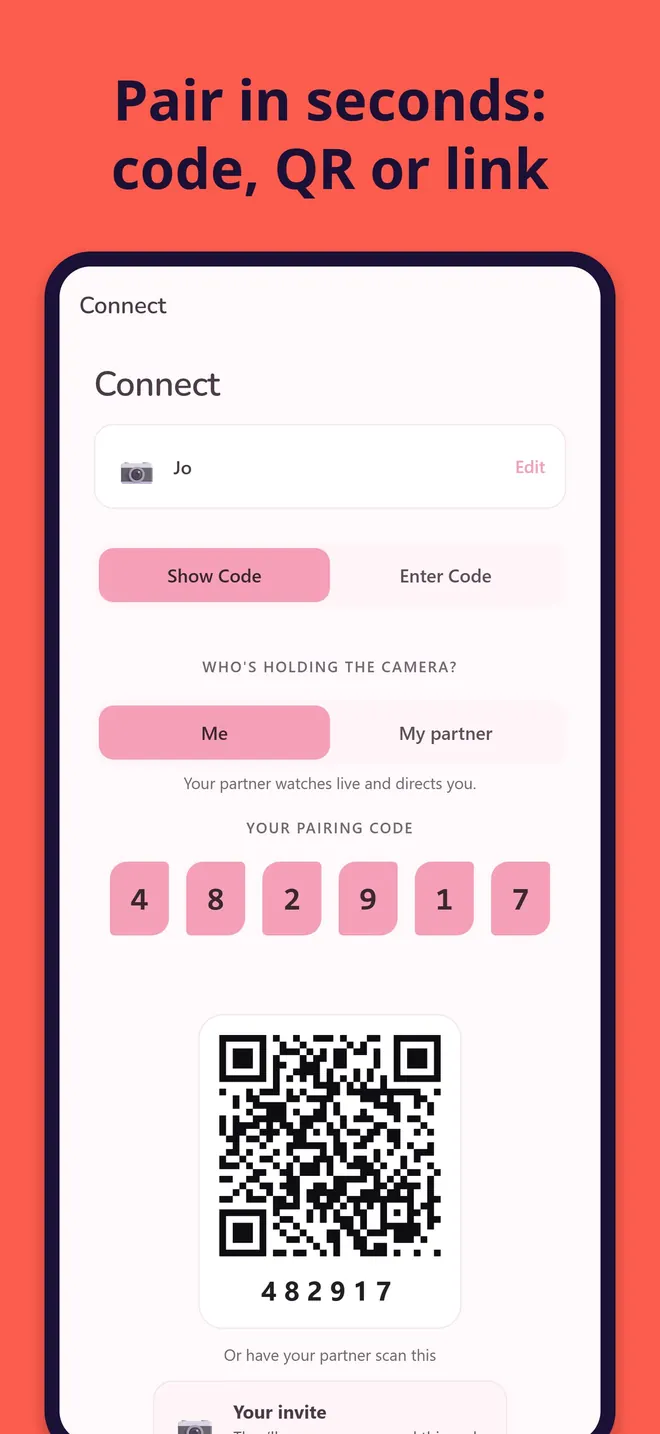
Either of you can hold the camera. The first screen asks one question, “Who’s holding the camera?”, and you answer “Me” or “My partner”. You pair with a six-digit code, a QR code or an invite link. An invite lasts 55 minutes, so your partner can install the app first and still join with it.
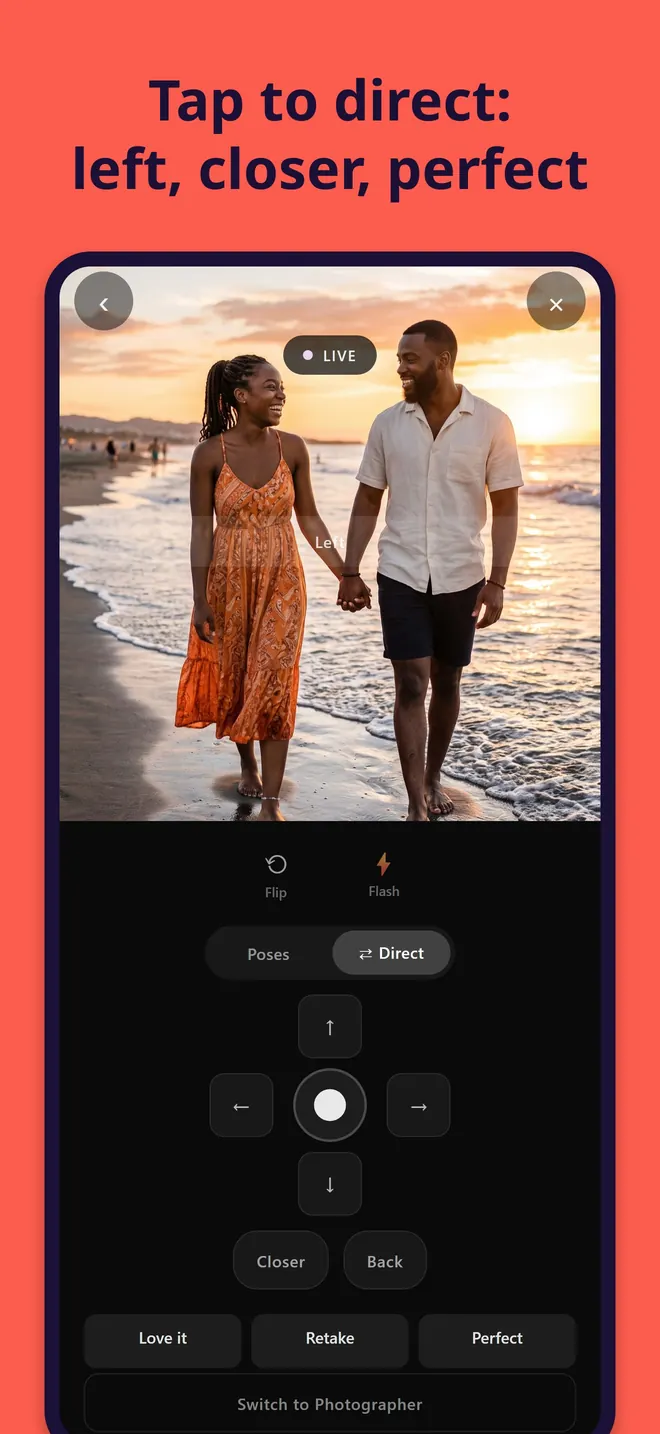
Left, closer, and the shutter
From the live view you send directions: up, down, left, right, closer, back. Tap anywhere on the picture and a marker appears at that spot on the camera phone. There are 32 pose cards as well, each sent with one tap.
When it looks right, the person watching presses the shutter. The camera phone takes the photo, but the button is in the hands of the person in it. You can also send a quick “Love it”, “Retake” or “Perfect”. Every shot goes into a private gallery that only the two of you can open, on both phones, along with albums and a monthly recap.
You don’t need to be on the same Wi-Fi, but both phones need the app. It works in English, Japanese, Thai and Chinese.
I made it for couples on dates and trips. It works just as well for friends taking turns at a wedding or a concert, and for anyone who has handed over their phone and got back a photo with their head cut off.
What’s free
There is no sign-up and there are no ads. Pairing, the live view, directions, the shutter, the shared gallery and albums are all free. The one thing that can cost money is AI feedback on your photos. It has a free daily allowance; past that, it uses optional KENSAURUS AI credits.