Here is the whole studio in one minute. The footage belongs to a made-up café, Cafe Kumo: 25 clips of coffee, pastries and sky. By the end of the film they are reels with words on them, waiting for one person to say yes, and then posts on a calendar.
Lazycow Studio turns the photos and videos you never edited into short vertical reels for Instagram Reels, YouTube Shorts and TikTok, and into long YouTube videos in parts. It runs on your own computer. We wrote it for Tsumagoi Work&Camp, the campground we run at 1,444 m in Gunma: version 0.1.0, on 7 and 8 November 2026, was the first version used there. It has been public, free and open source since 13 November.
Seven pages, in the order the work moves
The top bar has five sections: Footage, Reels, Posting, Results and Settings. The keys 1 to 5 open them. These are the pages you will spend time on.
1Footage
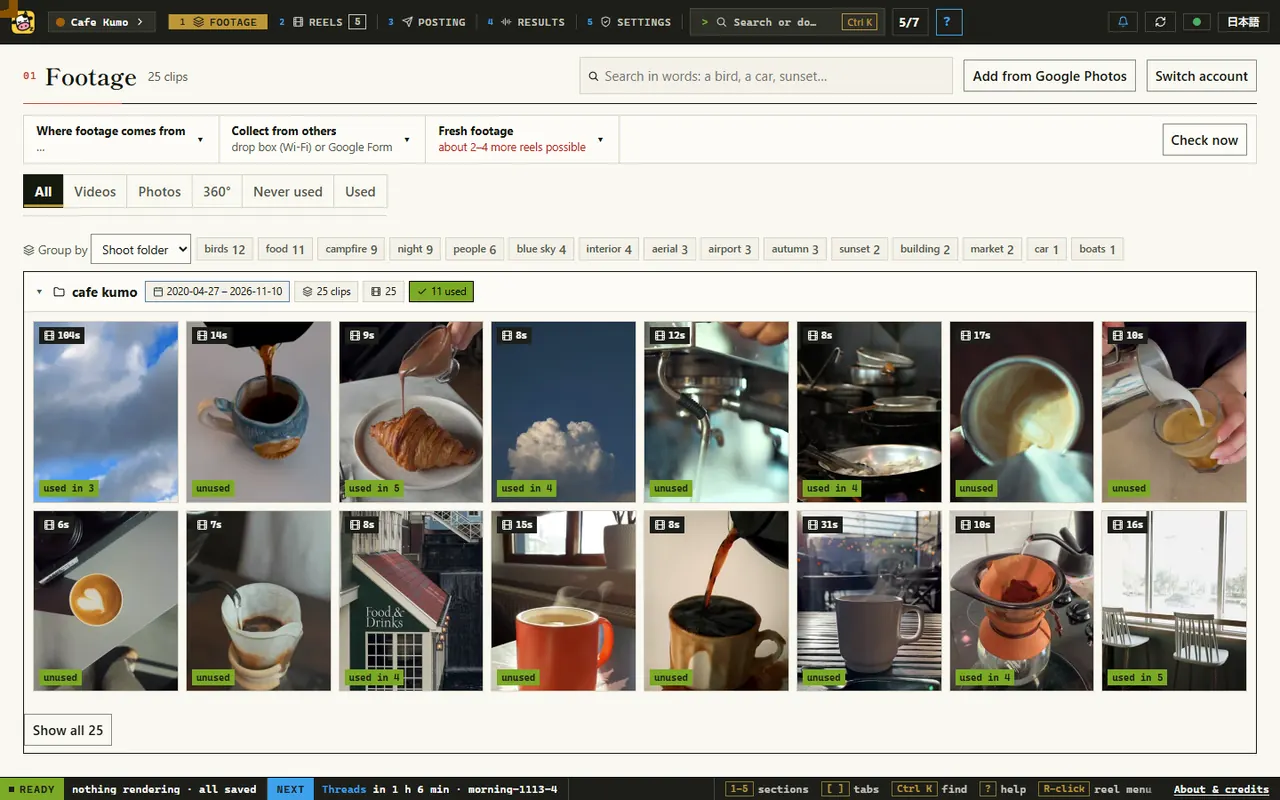
Point the studio at a folder. It reads the photos and videos where they are, tags them on your own computer (birds, food, night, sunset…) and finds them by words, such as "a bird" or "sunset". It never moves, changes or uploads them. Each clip says how many reels have used it, and Fresh footage says how many more reels the unused clips can make.
2Make reels
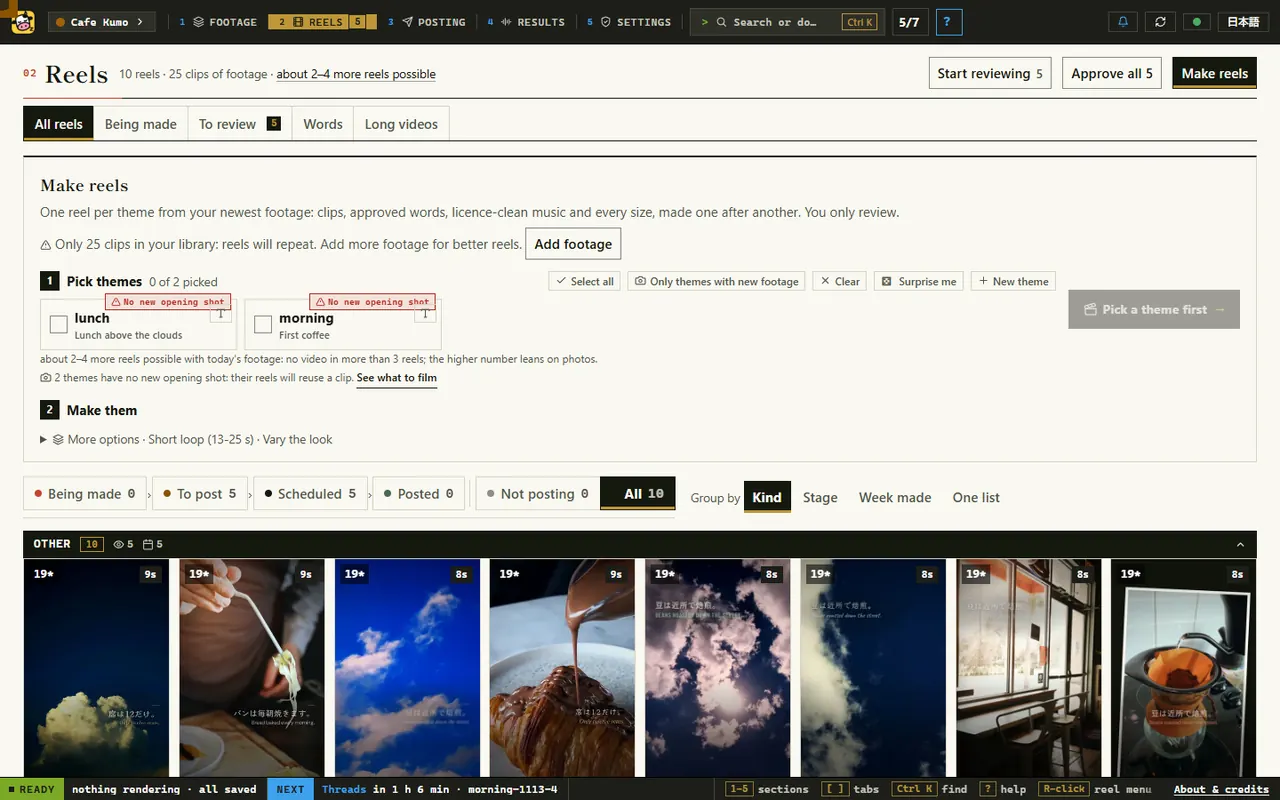
Pick a theme or two and press Make. A theme is the story of a reel: a headline, two or three true lines, and the kind of shots each line needs. The studio picks clips that fit the words, cuts them on the beat of free music (CC0 and public domain only), and makes every size the networks want, one reel after another.
3Your reels
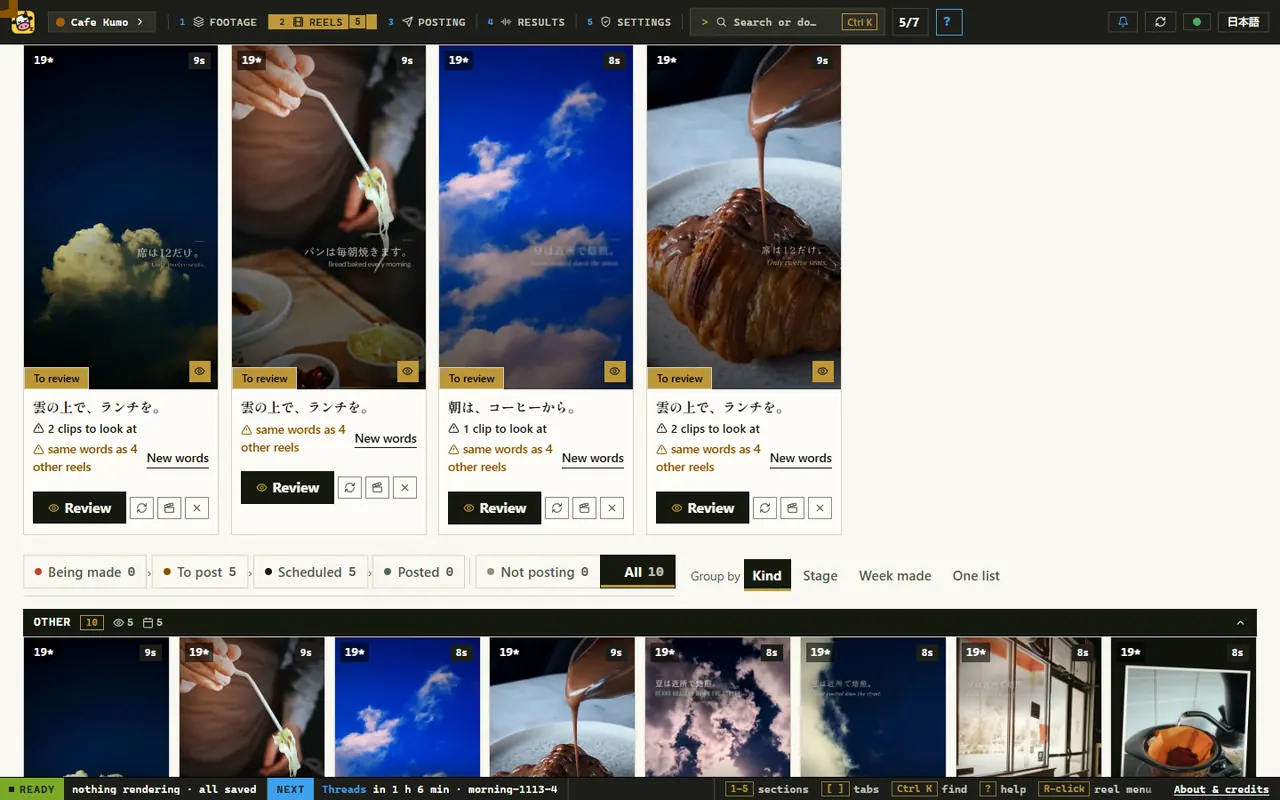
Each reel renders on your computer and arrives as a card with its first frame, its words, and anything worth a second look, such as a clip to check or a headline that four other reels already use.
4Review
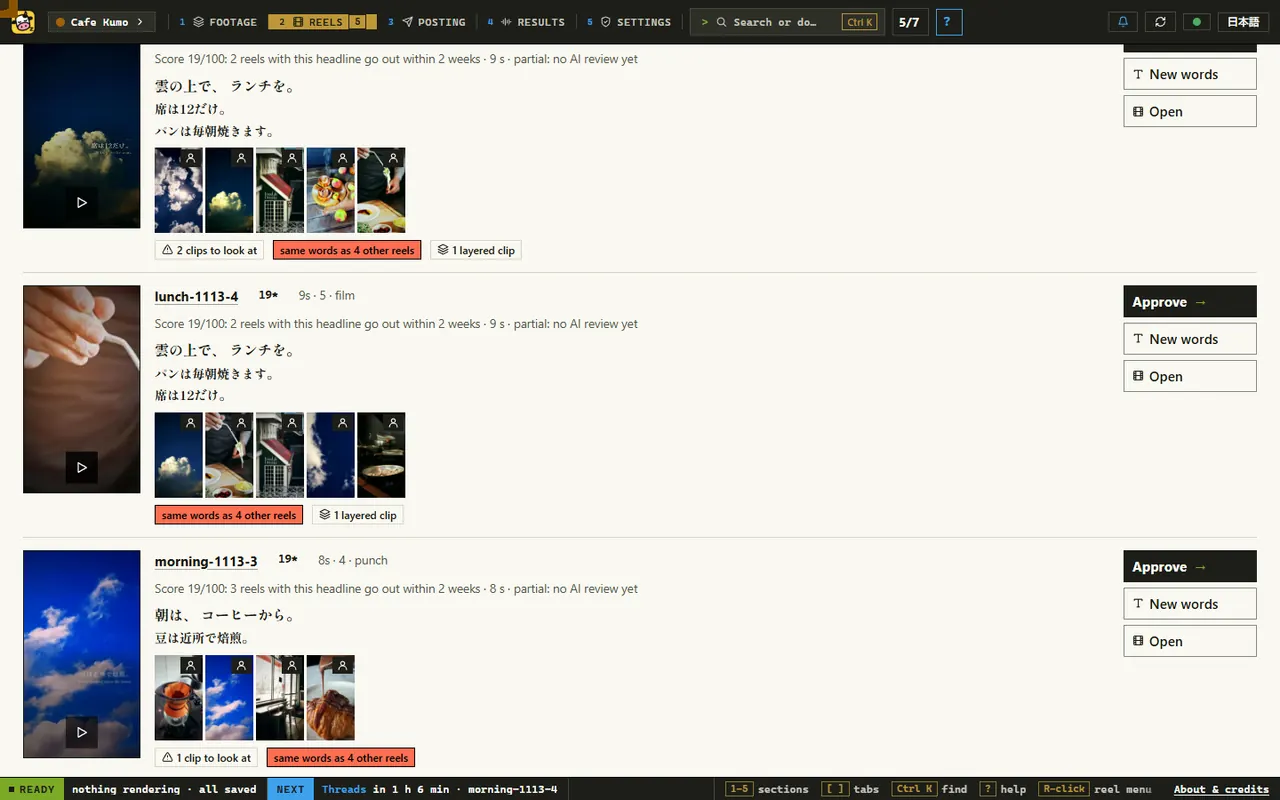
Every reel waits for you. Watch it, trim it, swap a clip or change the words, then press Approve or Reject. Nothing is booked or posted before Approve. A reel with a face in it needs Consent OK first, or the face blurred, and a reel whose words change goes back to review.
5Posting and results
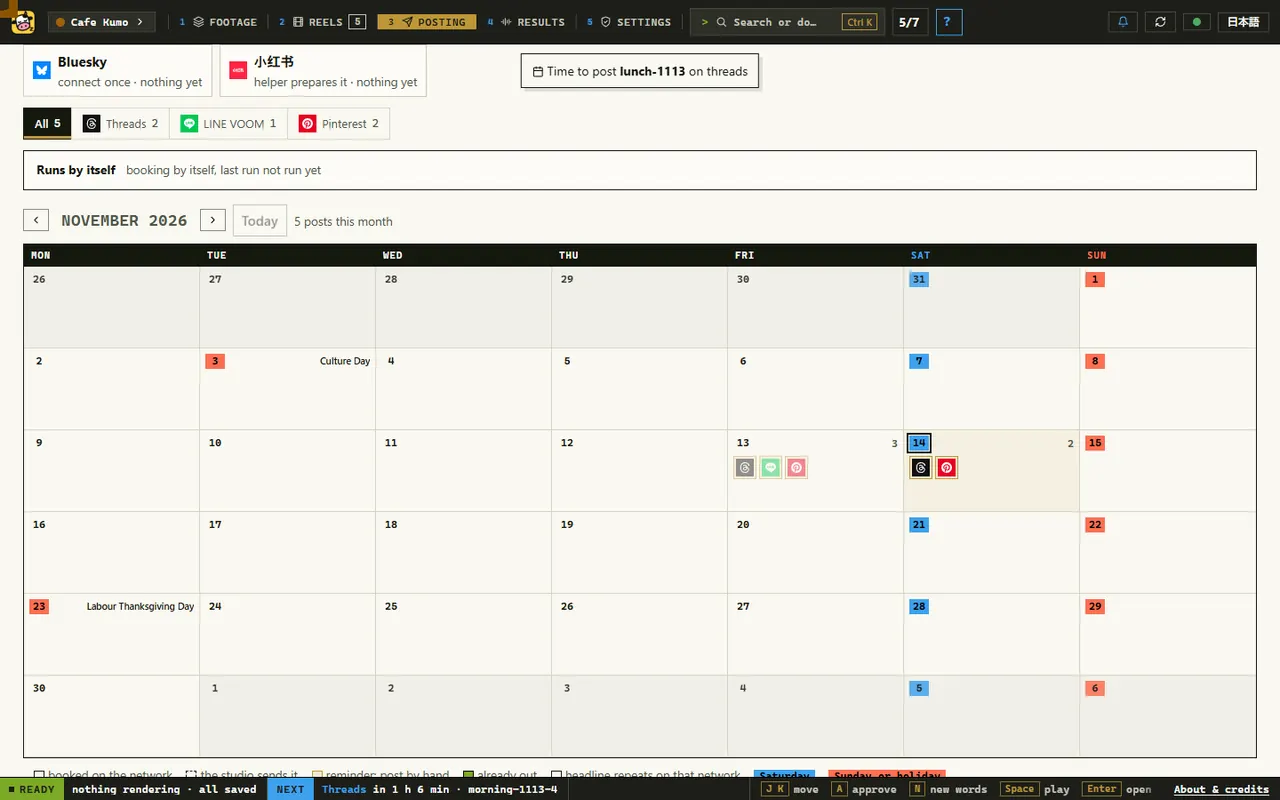
Approved reels are booked, one post a day on each network, at the hour your audience is awake. The studio posts to YouTube, Facebook and Bluesky itself, and fills in the schedulers of X, TikTok, LinkedIn, Google Maps and LINE in your own signed-in Chrome. About three days after a post, Results shows how it did, by cut style, theme and length.
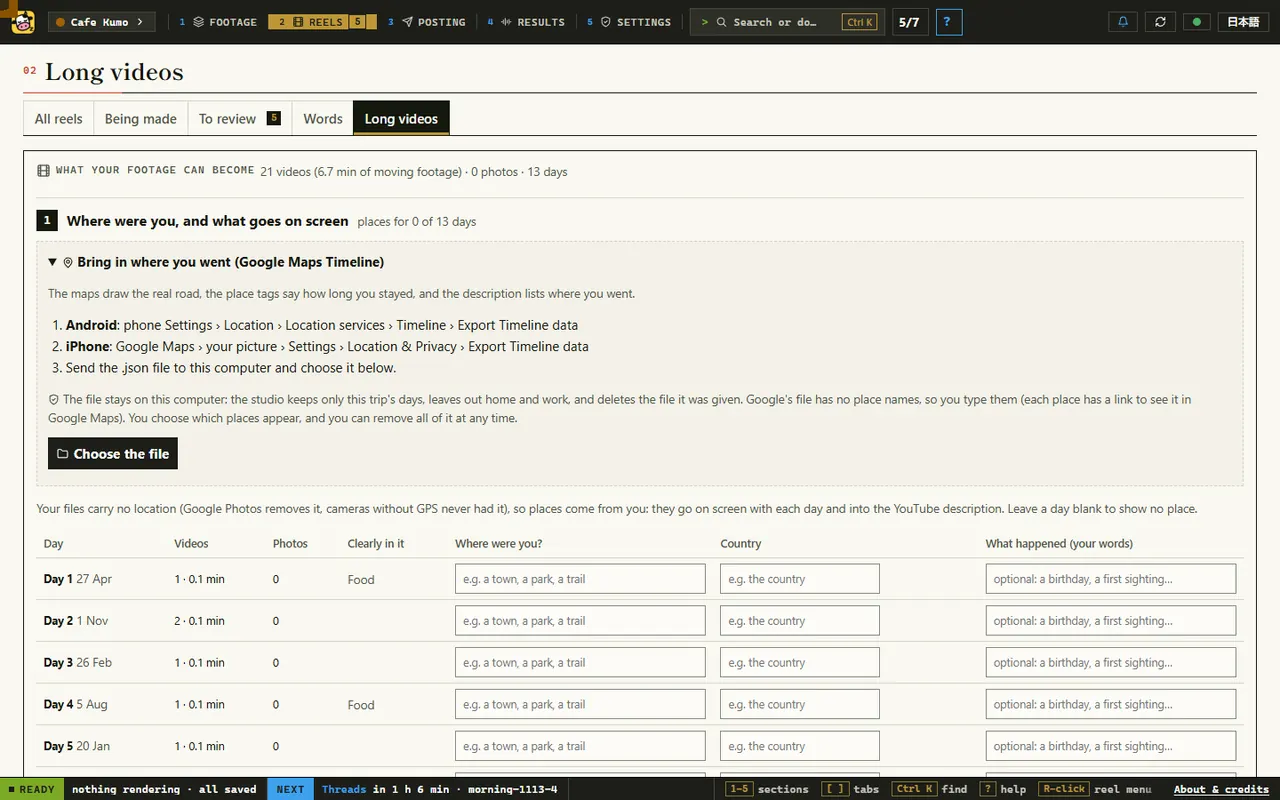
6Long videos
The same footage can become a long YouTube video from a trip: 5 to 15 minutes in 16:9, in parts, with chapters and maps. The planner lists the trip day by day. You type where you were, or bring in your Google Maps Timeline; that file stays on your computer.
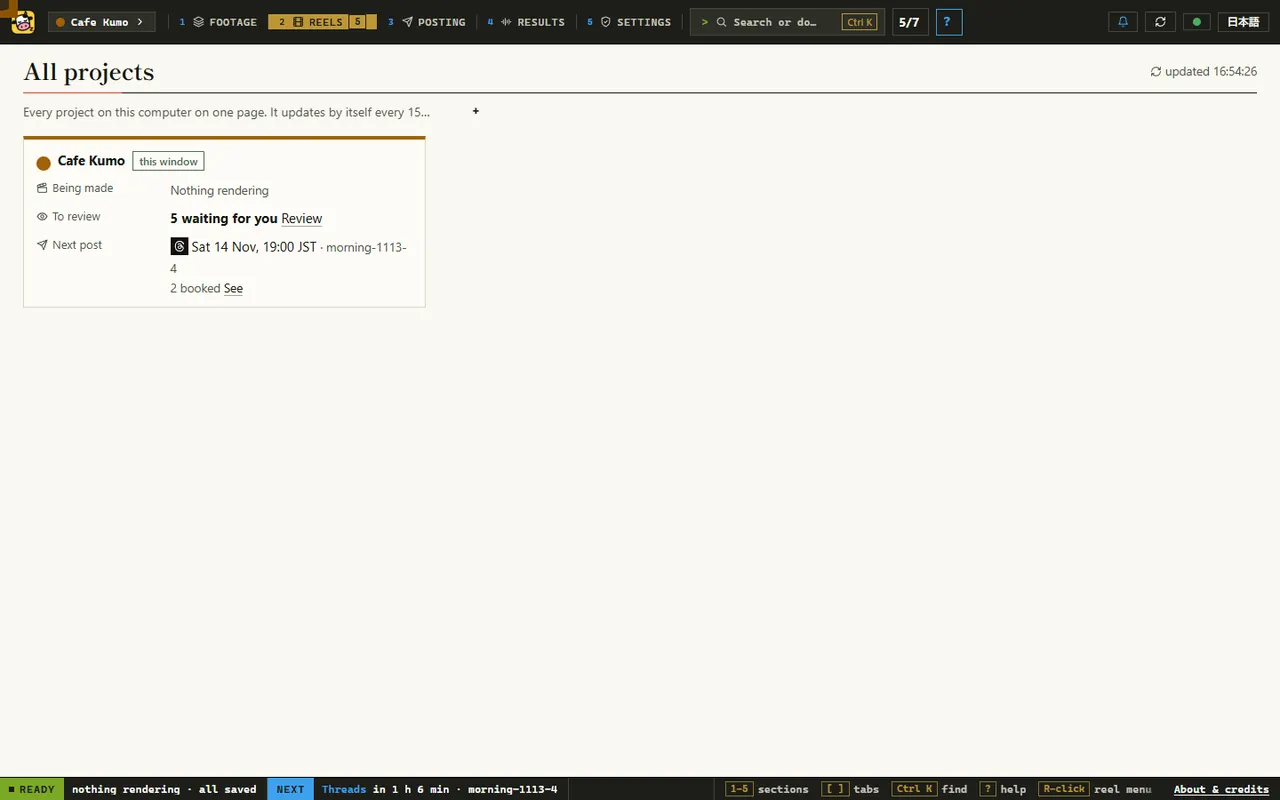
7All projects
One studio can hold several brands or trips, each with its own footage, words and accounts. All projects shows each one on one page: what is rendering, what waits for review, and the next post.
Only a person approves
This is the one rule the studio never breaks. A new reel is a draft, and it cannot be booked, uploaded or posted until someone presses Approve. AI tools, agents and scripts can make drafts and suggest changes; they cannot approve. The studio has an MCP server, so Claude Code, Claude Desktop or Cursor can check it, make reels and post approved ones, and it has no approve tool. A better cut of a booked reel replaces the live one only when a person presses "Use the new version".
Installing it
On Windows 10 or 11 (64-bit) or a Mac with Apple silicon and macOS 14 or newer, download the zip from the releases page, unzip it and double-click Start Lazycow. Setup fetches its own copies of Node, Python and ffmpeg, checks each one, and needs no admin rights: about 1.5 GB and 10 to 30 minutes. If you already have Node 20 or newer, one line does the same:
npx lazycow installTo let your AI agent drive it, start the studio and add the MCP server, which is listed in the MCP Registry as io.github.kensaurus/lazycow:
claude mcp add lazycow -- npx -y lazycow mcpWhat it costs
Nothing, unless you choose it. The studio, its search model, the music and the posting are free, under the Apache-2.0 licence. A few extras use paid AI services with your own key, such as slow motion or an AI reviewer that suggests fixes. Each call is priced first and refused over your limits, which start at 2 USD a day, 2 USD a reel and 20 USD in total.
If it saves you evenings of editing, you can pay for its development: once, any amount, or monthly as Supporter (¥500 / $4), Backer (¥1,500 / $10) or Sponsor (¥5,000 / $35). Paying unlocks nothing in the app; the plans come with small benefits around the project, set out in SUPPORTING.md and in our legal notice. One more thing to know: the studio uses Remotion, and a company of four or more people needs its own Remotion licence.
The same studio, other rooms
The reels Lazycow makes first are Tsumagoi Work&Camp's, the 24-hour mountain lounge we run. When one of our apps breaks in a way no error tracker sees, Mushi Mushi, our other open-source tool, turns the user's one-line report into a diagnosis and a draft fix.